Three years ago, translating a corporate training video into Portuguese or Mandarin meant booking studio time, coordinating with voice actors across time zones, and spending money most companies couldn’t really justify. A five-language rollout could take months and cost more than the original production.
That math has completely changed.
Today’s AI video translation tools deliver 95–98% accuracy with lip-sync, voice cloning, and support for over 100 languages at costs up to 15 times lower than traditional dubbing, with turnaround measured in minutes rather than weeks.
That shift is real, and businesses of every size are moving on it fast. But here’s the problem nobody talks about enough: the market is cluttered with tools that look identical on a features page and perform very differently when you actually use them. Lip-sync that drifts by half a second. Voice clones that sound like a tired GPS. Translations that are technically correct but tonally wrong.
This guide cuts through that. Here’s what the tools actually do, what they cost, and which one makes sense depending on what you’re trying to build.
Why Can’t Businesses Ignore This Anymore?
Multilingual video production has historically been so expensive that global video strategies were effectively off the table for most mid-sized companies only the largest enterprises could afford to film separately in each target language or commission professional dubbing at scale.
That exclusivity is gone. Industry research now shows 68% of global businesses are using AI translation tools for marketing and training videos. That number has jumped sharply in the past eighteen months, driven partly by tool quality improvements and partly by the realization that a product demo in a buyer’s native language converts differently than one they’re reading subtitles on.
Companies that have made the switch report 80–95% cost reductions versus traditional multilingual production and time savings in the range of 90–97%. Those aren’t marketing numbers, they reflect what happens when a one-week dubbing job becomes a thirty-minute upload.
What Separates Good Tools from Ones That Waste Your Time
Before getting into specific platforms, it’s worth being clear about what actually matters during evaluation because most comparison guides weight everything equally when the reality is some factors are dealbreakers and others barely matter.
Lip-sync is everything. A voice that doesn’t match mouth movements pulls viewer attention immediately. It’s the single fastest way to undermine credibility in a translated video, especially for face-to-camera content. Bad lip-sync is worse than no dubbing at all.
Voice naturalness is close behind. There’s a significant gap between platforms that preserve a speaker’s actual tone and cadence across languages and those that replace everything with a flat AI narrator. For customer-facing content, that distinction affects trust.
Language range, editing control, format support, and security round out the decision the relative weight of each depends on your content type and use case.
The Tools Worth Using in 2026
1.Synthesia — The One to Beat for Business Video
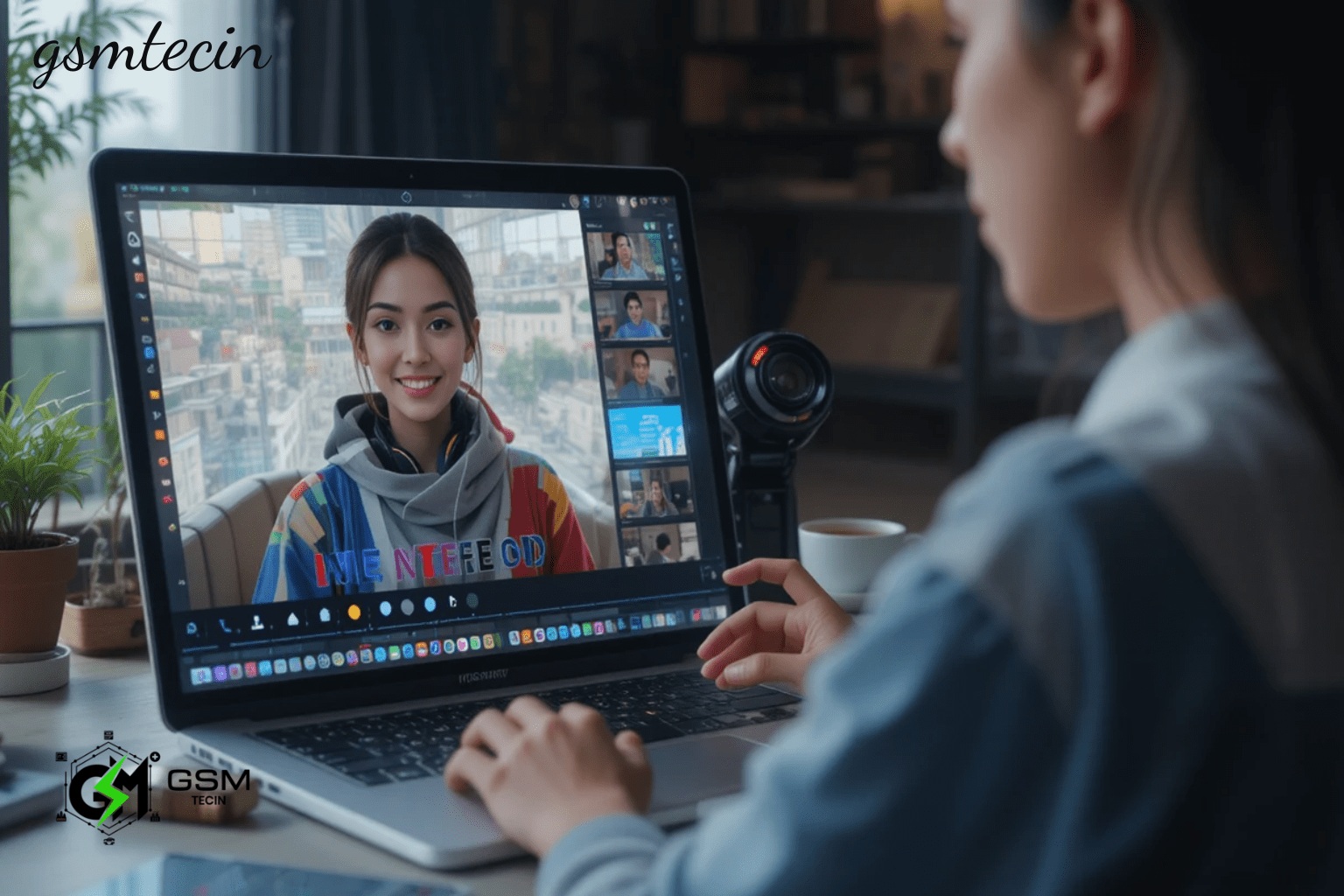
Synthesia’s lip-sync quality is the best currently available, the frame-perfect synchronization that’s nearly impossible to identify as AI-generated. Beyond the translation quality, it’s an all-in-one platform where you can create, edit, and translate within the same workspace, which matters a lot for teams that don’t want to juggle multiple tools.
It’s the natural choice for L&D teams producing training content, enterprise marketing teams with brand standards to maintain, and anyone where the quality of the final video directly reflects on the company. It supports over 130 languages, though some competitors cover a slightly wider range.
2.HeyGen — When Language Range Matters Most
HeyGen’s AI translation syncs lip movements in real time and covers 175+ languages, making it the strongest option for businesses targeting markets that most tools don’t reach.
If reaching the absolute widest possible audience including niche languages is the priority, HeyGen is the right call. The quality is strong, the platform is straightforward, and the language breadth is unmatched in this category.
3.ElevenLabs — Voice Dubbing Without the Video Processing
Not everything needs lip-sync. Screen recordings, slide-based explainers, animated content, webinars none of these require a speaker’s mouth to match the translated audio.
ElevenLabs produces audio only with no video processing, no lip-sync but the voice quality is consistently the most natural-sounding of any platform in this space. It supports 32 languages and is best for voiceover-only dubbing where voice realism is the primary requirement. For tutorial libraries, e-learning content, and internal training where face-to-camera translation isn’t the goal, it’s the right tool.
4.AI Studios — Best Free Entry Point with Lip-Sync
AI Studios offers AI dubbing with lip-sync on videos up to three minutes long at no cost, the most generous free tier of any platform in this category. Translation accuracy is solid, lip-sync quality is reasonable for non-broadcast use, and the tool supports 150 languages.
For teams testing multilingual content for the first time, or small businesses that need fast turnaround without a budget commitment, it delivers real value. It won’t match Synthesia at the top end, but the gap matters less for internal communications or social media content than it does for polished customer-facing video.
5.HappyScribe — The Accuracy Standard for Subtitle Translation
Trusted by teams at the BBC, Spotify, and over 41,000 brands, HappyScribe focuses on subtitle and transcript-based translation with 99% accuracy across 120+ languages.
For compliance videos, legal explainers, or any content where the translation needs to be precisely right, not just approximately right, HappyScribe is the safest option. It isn’t trying to dub your video. It’s trying to make sure the text on screen is exactly correct, and it does that better than anyone else in this roundup.
6.Smartcat — For Teams Managing Translation at Scale
Smartcat handles video translation alongside multi-language transcripts, subtitles, and AI dubbing, while also managing vendor payments and automated project workflows from a single account. Plans start at $99/month for businesses, with custom enterprise pricing for larger organizations.
The pitch here isn’t the translation quality specifically it’s the workflow management. For companies without in-house translation staff, or those coordinating across multiple external agencies, having one platform that consolidates everything is worth paying for.
Pricing in Plain Terms
Subtitle-only tools start cheaply around $17–18/month for HappyScribe or VEED. AI dubbing with lip-sync and voice cloning starts at $6.99/month at the entry level. Maestra requires a $199/month Business plan just to unlock lip-sync. HeyGen’s base plan runs $29/month but charges additional credits for lip-synced translation on real footage.
The practical takeaway: match the pricing tier to your actual output needs. Paying for lip-sync capability when you’re producing animated content is money you don’t need to spend.
Conclusion:
AI video translation has genuinely crossed the line from novelty to business infrastructure. The tools that earn their price are the ones that get lip-sync and voice quality right because those two factors determine whether a translated video actually performs with international audiences or just satisfies a localization checkbox.
Synthesia leads to quality. HeyGen covers the widest language range. ElevenLabs is unmatched for voice-only dubbing. HappyScribe is the reliable choice for subtitle accuracy. AI Studios gives you a real starting point for free.
Pick based on content type first, language needs second, and price last — that order will save you from paying for features you’ll never use or underinvesting in quality that viewers will immediately notice.
References:
- Synthesia — synthesia.io/post/best-video-translator-apps
- Feisworld — feisworld.com/blog/best-ai-video-translation-tools
- Colossyan — colossyan.com/posts/5-best-video-translator-software-options
- HappyScribe — happyscribe.com/blog/best-ai-video-translator-tools-2026
- Perso AI — perso.ai/blog/best-ai-video-translator-2026
- Keevx — keevx.com/en/blog/best-ai-video-translators-in-2026
- XTM — xtm.ai/en-us/blog/ai-translation-tools
- HeyGen — heygen.com/translate
FAQs:
Q1: What’s the real difference between subtitles and AI dubbing?
Subtitles show translated text while the original audio keeps playing. AI dubbing replaces the audio entirely with a translated voice and the better tools now adjust mouth movements to match.
Q2: Which tool makes sense for a business on a limited budget?
AI Studios has the most generous free tier lip-sync dubbing up to three minutes at no cost. HappyScribe starts at $17/month for subtitle translation across 120+ languages.
Q3: Can these tools handle industry-specific terminology accurately?
Some can, some can’t. Look for platforms with custom glossary features that let you lock specific terms before audio generation this dramatically reduces terminology errors in product or technical content.
Q4: How long does translation actually take?
For videos under ten minutes, most platforms deliver results in ten to thirty minutes. Longer content with precision lip-sync modes can take up to two hours.
Q5: Are these platforms secure enough for confidential business content? Enterprise-grade platforms like Synthesia and Smartcat have appropriate security provisions. Always review the data processing and storage policies before uploading anything sensitive.
Q6: Can I fix errors in the translation after it’s generated?
Yes, most platforms let you edit subtitles, timing, and translated scripts after generation. This is especially worth doing for technical content before it goes live.